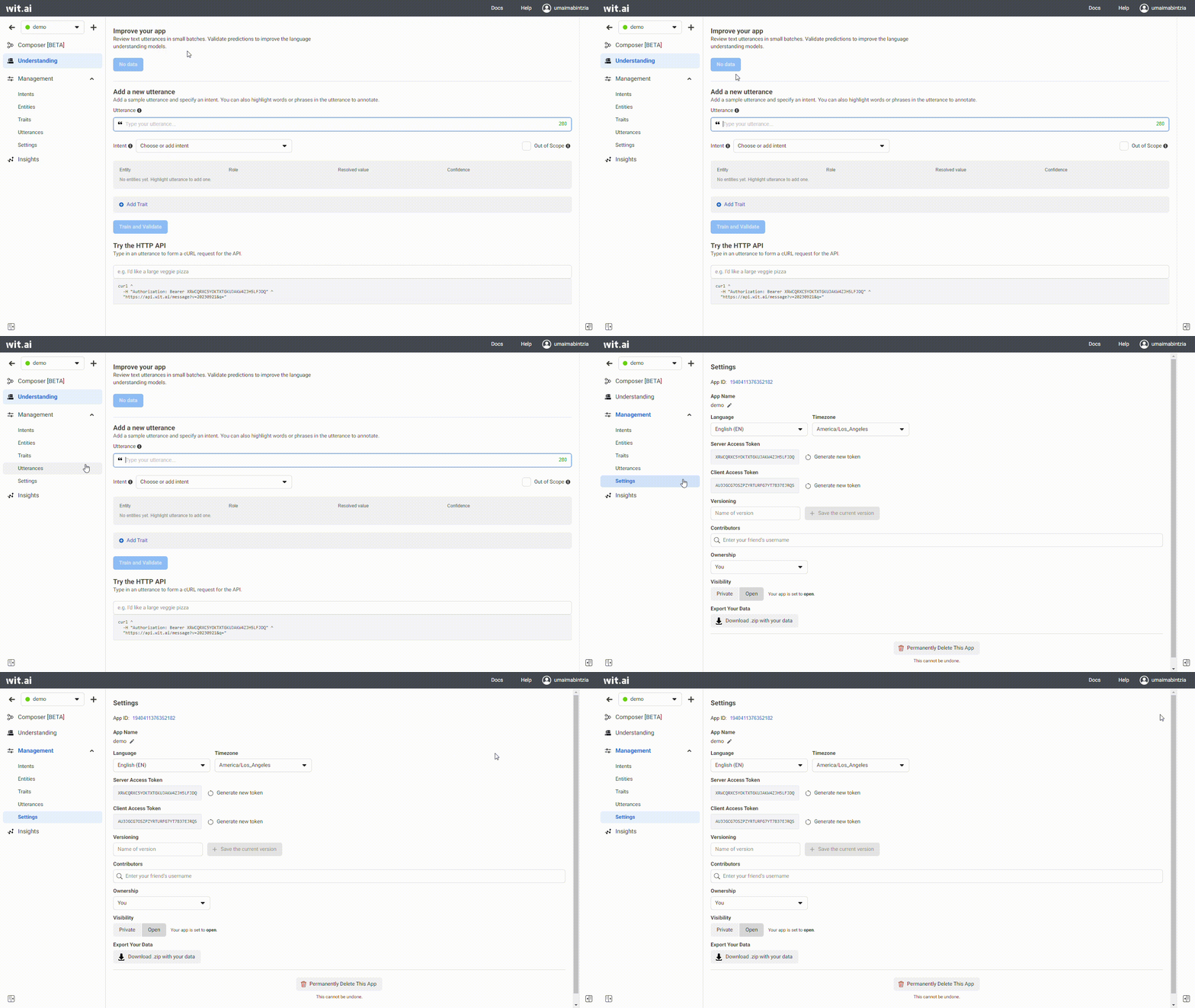
> For the complete documentation index, see [llms.txt](https://docs.botdistrikt.com/llms.txt). Markdown versions of documentation pages are available by appending `.md` to page URLs; this page is available as [Markdown](https://docs.botdistrikt.com/artificial-intelligence/wit.ai.md).

# Wit.ai

Integrating your AI chatbot with Wit.ai, a natural language processing (NLP) platform developed by Facebook, enhances your chatbot's ability to understand and respond to user input effectively.&#x20;

Here is a step-by-step process for integrating your AI chatbot with Wit.ai:

1. **Sign up for Wit.ai**
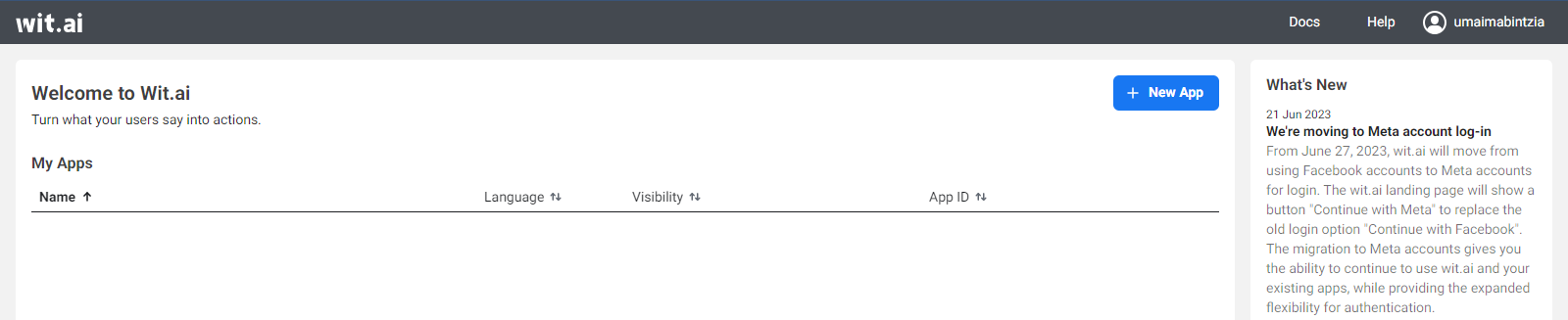
   1. Go to [Wit.ai](https://wit.ai/) and sign up through Instagram, Facebook, or your email address.
   2. You will be redirected to creating a Meta account if you choose to sign up through Facebook.

<figure><img src="/files/hewd7gpeTEym7vXw6RgN" alt=""><figcaption><p>Wit.ai Signup with Meta</p></figcaption></figure>

2. **Create a new Wit.ai app**

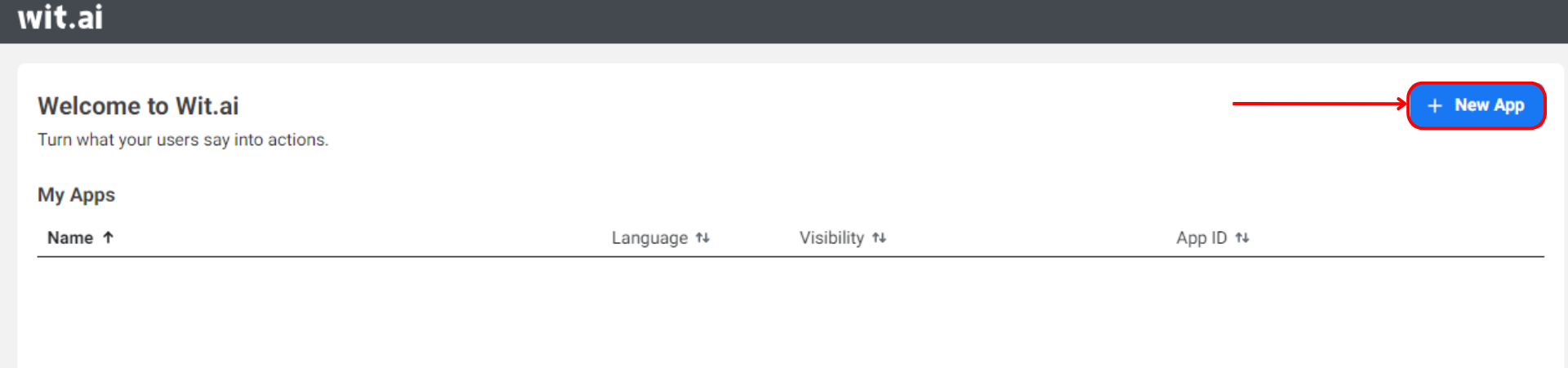
   Once logged in, click on +**New App** to create a new Wit.ai app.

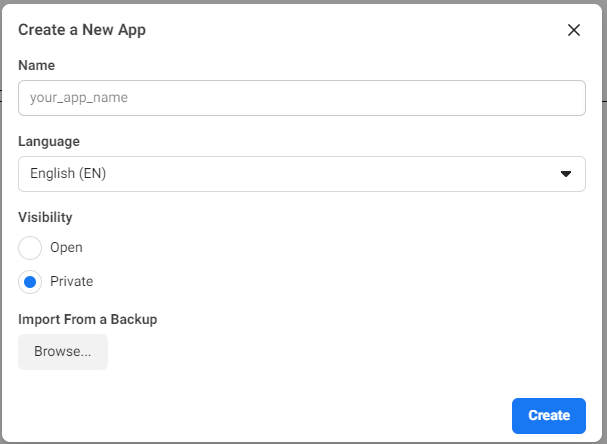
   <figure><img src="/files/m0ufymvYXQwA1No4XIHB" alt=""><figcaption><p>Create App</p></figcaption></figure>

* Give your app a name
* Select a language
* Choose visibility - open or private
* Choose the default time zone for your app.&#x20;
* Click "**Create App**."

<figure><img src="/files/ind5RxXz33r3bui8JYEd" alt=""><figcaption><p>Setup Bot</p></figcaption></figure>

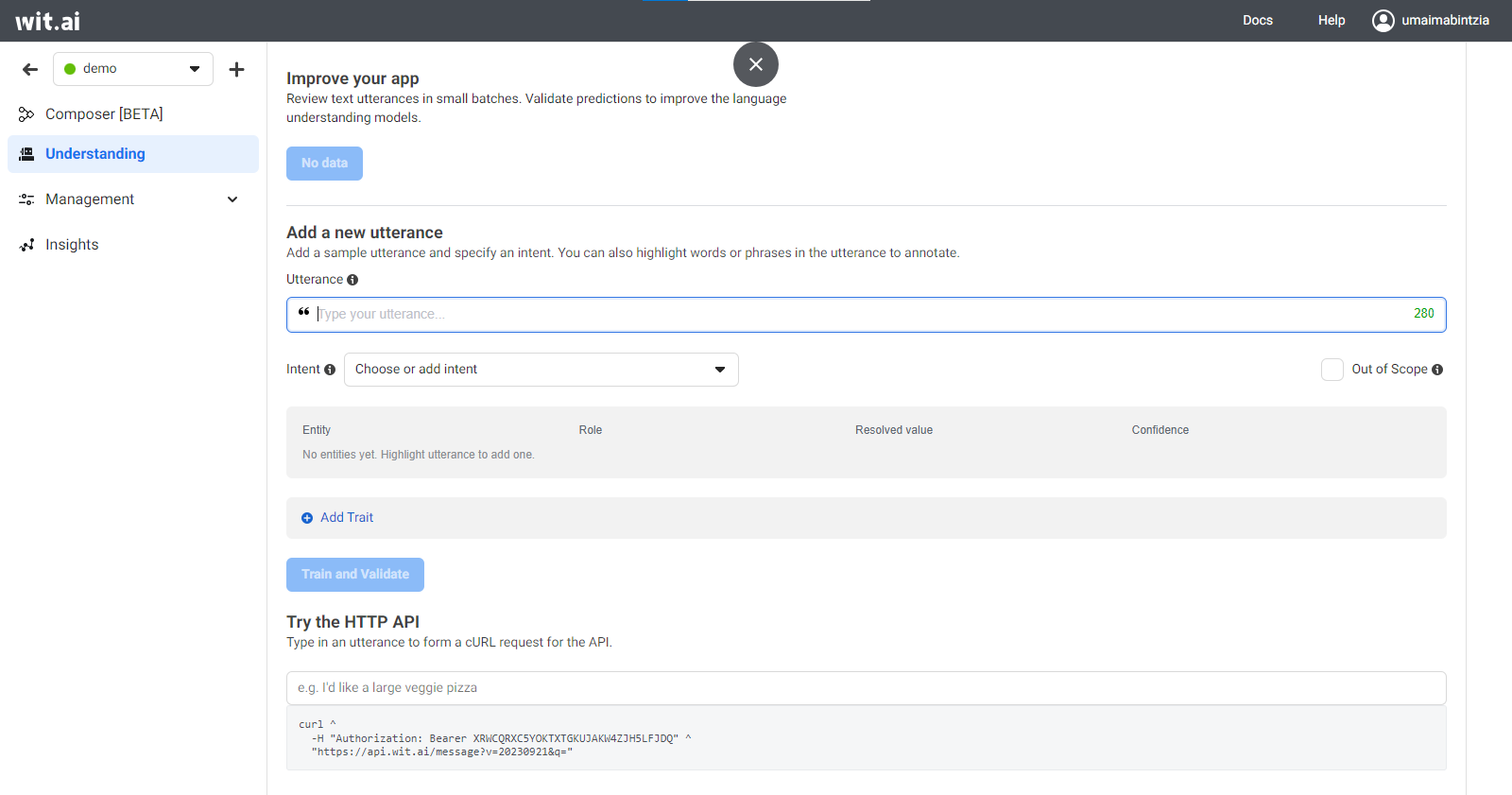
You will be redirected to your bot's dashboard.

<figure><img src="/files/eBLlhQ6MAYtOrx6an8Ja" alt=""><figcaption><p>Wit.ai Bot Dashboard</p></figcaption></figure>

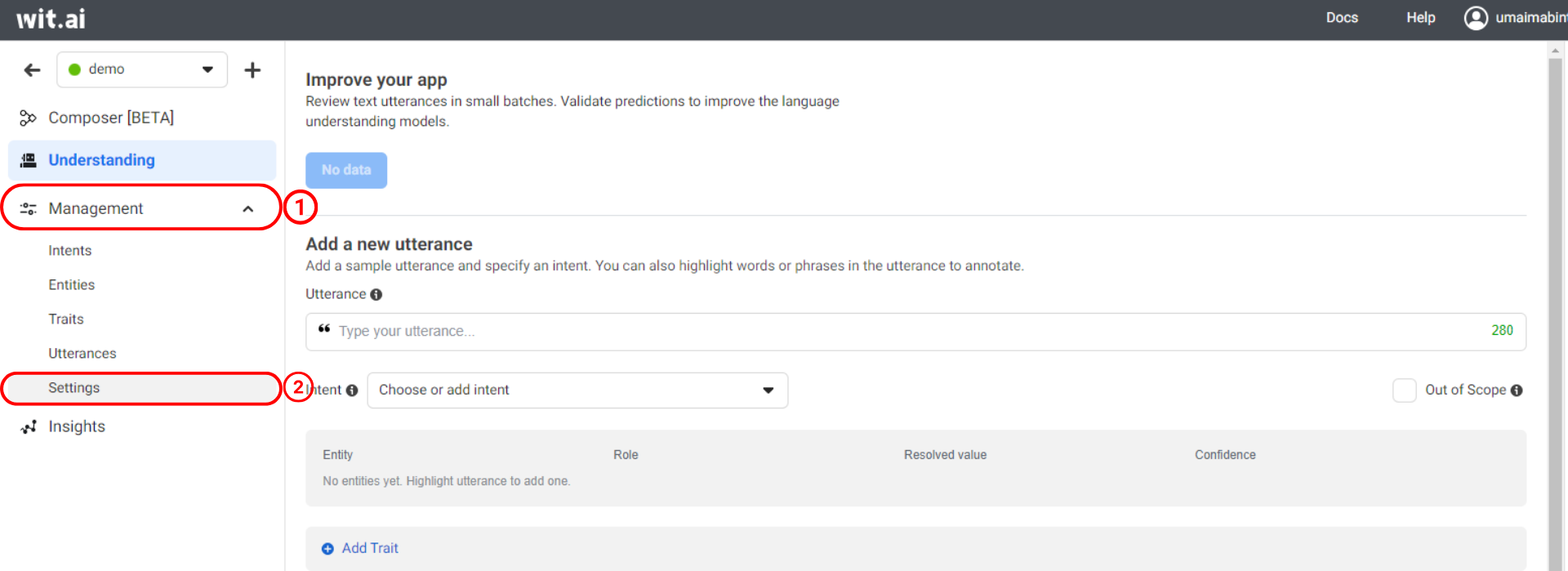
Go to **Management --> Settings**

<figure><img src="/files/cIAf0vwGkvk9UWTIKeHv" alt=""><figcaption><p>Go to Settings</p></figcaption></figure>

<figure><img src="/files/Y60XPqJqrvtuiOyhLhnL" alt=""><figcaption><p>Settings Dashboard</p></figcaption></figure>

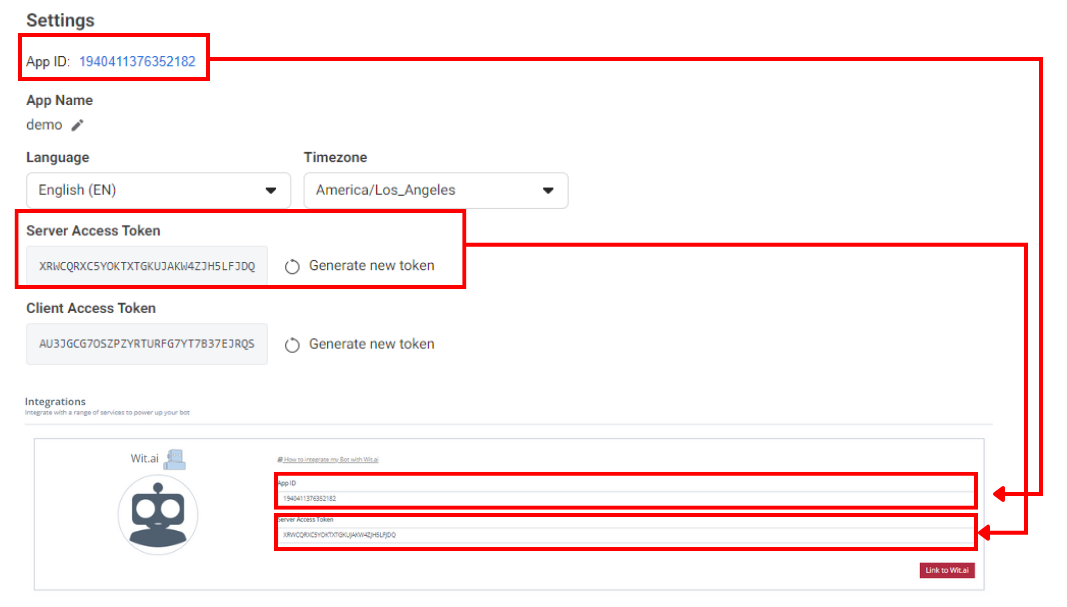
Copy your **Client Access Token.** Copy this token as you will need it to make API requests from your chatbot.

3. **Train Your Wit.ai Model**

* Go to **Understanding** on the left-hand side navigation panel. This is where you'll train your chatbot to understand user input.
* Create and define entities (pieces of information) and intents (user intentions) that your chatbot needs to recognize.

For example, if your chatbot is for a weather app, create entities like "location" and "date," and intents like "getWeather."

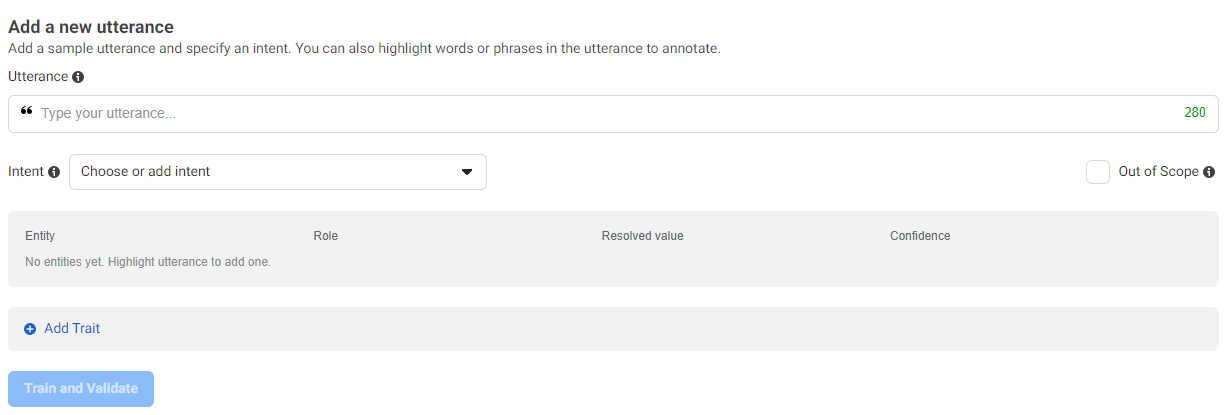
<figure><img src="/files/vaeovjF1XPLgRTgGDds8" alt=""><figcaption><p>Add Utterance and Entity to Train your Bot</p></figcaption></figure>

* Train your model by providing examples of user input and labeling them with the appropriate intents and entities. Wit.ai uses these examples to learn and understand user messages better.
* Continue adding training examples until you have a sufficient dataset to cover a variety of user queries.

4. **Set Up Your Chatbot Integration**

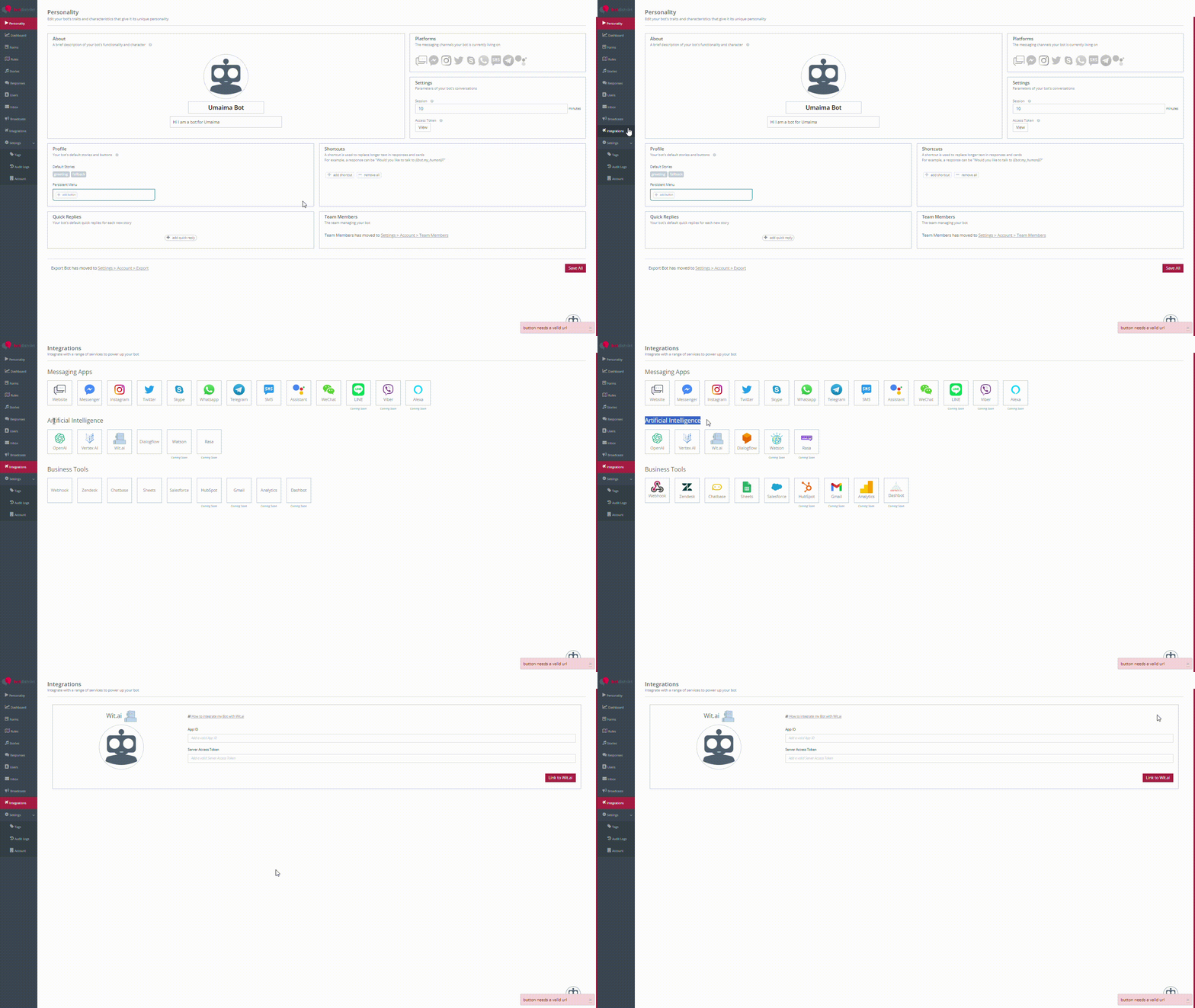
On your BotDistrikt Dashboard, navigate to **Integrations --> Artificial Intelligence** --> Wit.ai

<figure><img src="/files/5DoAP8Q2jnJUUO7ijWix" alt=""><figcaption><p>Integrations --> Artificial Intelligence --> Wit.AI</p></figcaption></figure>

<figure><img src="/files/hDk52rd25zEeJym2gKpO" alt=""><figcaption><p>Enter APP ID and Access Token</p></figcaption></figure>

Click **Link to Wit.ai**

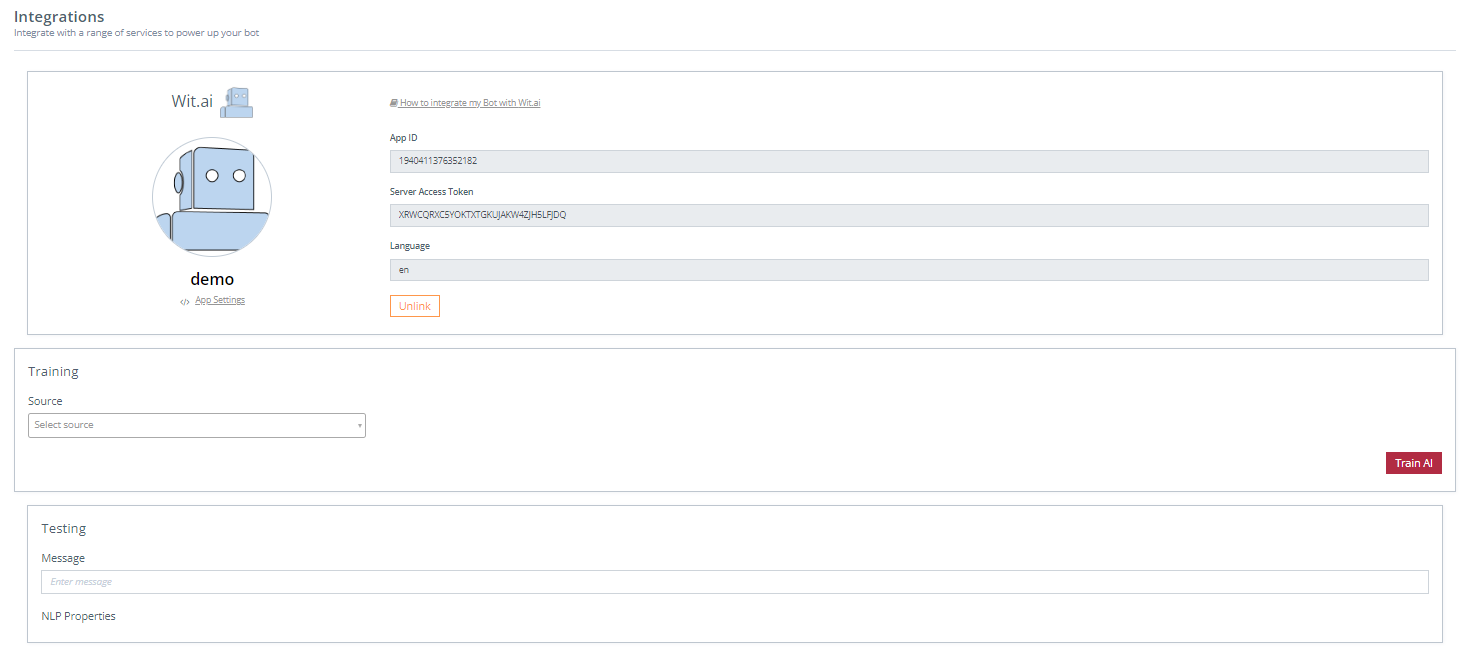
<figure><img src="/files/7eZz1uGKMRo6zG4M6mE1" alt=""><figcaption><p>Completed Integration</p></figcaption></figure>

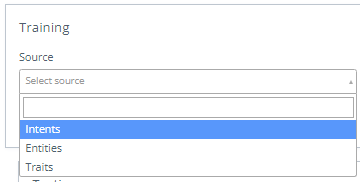
Choose your training source from - **intents, entities, and traits**

<figure><img src="/files/hPz0OFd9Qt1KunDqjFBs" alt=""><figcaption><p>Training Source --> Intents/Entities/Traits</p></figcaption></figure>

Select from listed entities, intents and traits and click **Train AI**

Test your bot in **Testing**

<figure><img src="/files/Aal9LHne5g1bcRJRTCHo" alt=""><figcaption><p>Test your Bot Integration</p></figcaption></figure>

5. **Incorporate Wit.ai Responses**

* Use the recognized intents and entities from Wit.ai's response to generate appropriate responses in your chatbot.&#x20;
* Your chatbot should be programmed to execute specific actions or provide relevant information based on the recognized user input.
* Continuously improve your Wit.ai model by regularly updating and retraining it with new examples to enhance its understanding of user input over time.

6. **Test and Iterate**

* Test your chatbot's integration with Wit.ai to ensure that it accurately recognizes user intents and entities and responds appropriately.
* Monitor user interactions and gather feedback to identify areas of improvement
* Iterate on your Wit.ai model and chatbot code to enhance its performance.

You have successfully integrated your AI chatbot with Wit.ai and leveraged its natural language processing capabilities to provide more intelligent and context-aware responses to your users' messages.